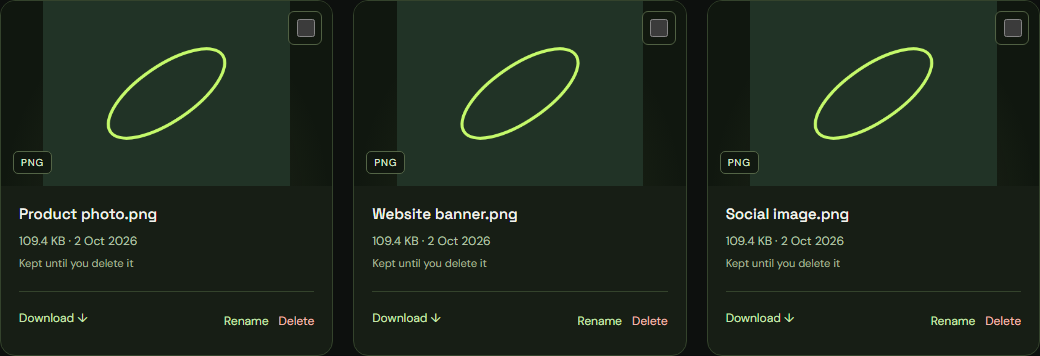
Keep finished files together
Save a result, find it in My files, then download, rename or delete it. Free accounts keep files for 24 hours; paid plans keep them while subscribed.
Image, PDF, audio, video and file tools. Most run in your browser, with no account needed.
Find the right tool, then add your files.
JPG, PNG, WebP, GIF, BMP or SVG
or drag & drop hereLocal tools ready
No matching tools. Try “resize”, “PDF” or “audio”.
Resize, convert, watermark and rename images together. Download a tidy ZIP, or save your settings for the next batch.
A WORKSPACE FOR REPEAT JOBS
Save a result, find it in My files, then download, rename or delete it. Free accounts keep files for 24 hours; paid plans keep them while subscribed.

Prepare product photos or weekly exports with a saved workflow. Free accounts get three private presets; Personal Pro includes 100.
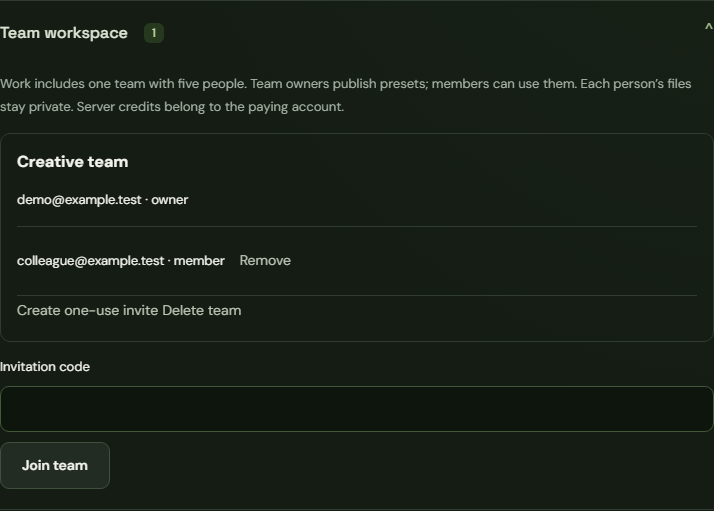
Work members reuse the same published presets. Files stay private, and each member keeps their own processing and storage allowances.
Example workspaces shown. Saving files is always your choice.
Use browser tools without an account. Create a free workspace to save files and settings, or upgrade for regular server processing and longer storage.
Unlimited browser operations, image workflows and downloads are available to everyone. File, batch and device limits still apply.
Explore toolsSave 20% with yearly billing. Paid upfront, credits refreshed monthly.
Free to use. No card needed.
Keep useful settings and try server tools.
Billed monthly. Cancel renewal in Billing settings.
For repeat projects and less repetition.
Billed monthly. Cancel renewal in Billing settings.
Consistent settings across your team.
Each server tool includes 5 free uses per account, with no weekly reset. Paid plans include a fresh monthly allowance: 50 credits for Personal Pro or 500 for Work, including on annual billing. Unused credits do not roll over. HEIC and PDF compression use 1 credit; Office to PDF uses 2; video conversion and YouTube downloads use 5. Failed jobs are refunded.
Saving is optional. Free includes 250 MB with 24-hour retention. Personal Pro includes 2 GB and Work includes 10 GB, with files kept until you delete them while subscribed. If you reach your allowance, delete older files to make space. When paid access ends, your saved library is read-only for 30 days: download or delete files before they are removed, or renew to keep them. Cancelling renewal does not start this grace period until your paid access ends. Downgrading to a smaller paid plan keeps your files, but blocks new saves while you are over its allowance. Each account can save up to 1,000 files. Server uploads are limited to 25 MB per file, saved results to 150 MB. Temporary conversion results expire after 1 hour.
Pay £57.50 for Personal Pro or £143.90 for Work upfront each year. That saves 20% compared with 12 monthly payments, rounded to the penny. Credits still refresh monthly. Plans renew automatically; cancel renewal in Billing settings and keep access until the end of your paid term.
Work includes one team of up to five people. The owner publishes presets that members can reuse. Files stay private to each account. Storage and server credits belong to the paying account, rather than a shared team pool.
Checking payment availability…
Format support, limits and useful tips for your next file.
Good tools get out of your way.
One file or a whole batch.
Bring what you’re working on.
Set the size, quality or format.
You’re in control.
Download and keep creating.
Local tools need no account.
Big on possibilities. Small on your footprint. Browser tools run locally. Clearly marked server tools upload for processing. Saving files is always your choice.